User Forms
|
You can also use the icons in the toolbar to complete tasks unrelated to any sub-tab. This includes managing User Forms for the selected user.
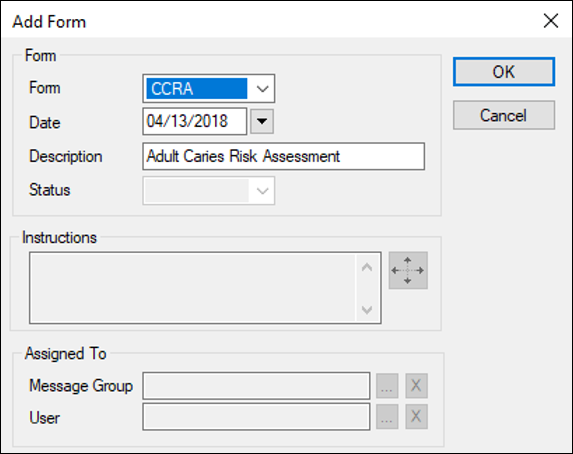
 Add User Forms Add User Forms
Edit User Forms
Delete User Forms
Add User Forms Actions
Review and Approve User Forms
Tip: To mark a whole page as reviewed, right-click a question and select Page Reviewed. In the Date column, the time changes to the current time. If you updated the answer and it now requires approval, the text displays in blue. Suspend or Unsuspend User Forms
If suspended, the form displays in the list with gray text. If unsuspended, the form is active and no longer displays with gray text. View User Form History
The Date list displays all the form’s change dates. Review/Print Report
|
 ) icon to display the User Forms window.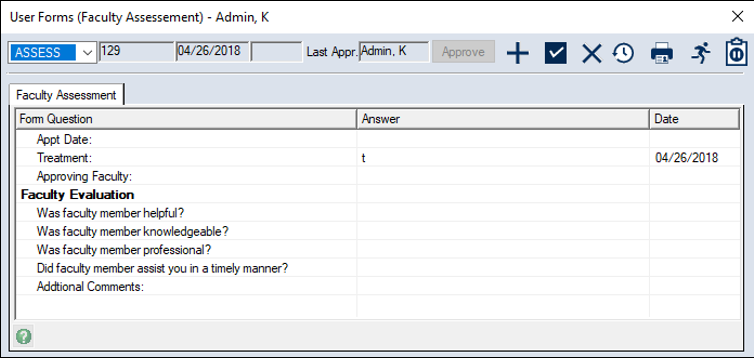
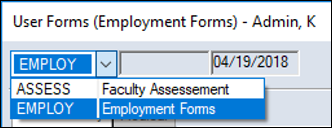
 ) icon to display the Add Form window.
 ) icon.
 ) icon to display the Add Form Action window.
  ) icon.
 ) icon.
 ) icon to display the Select Form History window.
 ) icon.
